tips-howto
IPTV for Beginners: Everything You Need to Know in 2026
New to IPTV? This guide covers what it is, what you need, how to get set up, and what to expect — without any jargon. Start here.
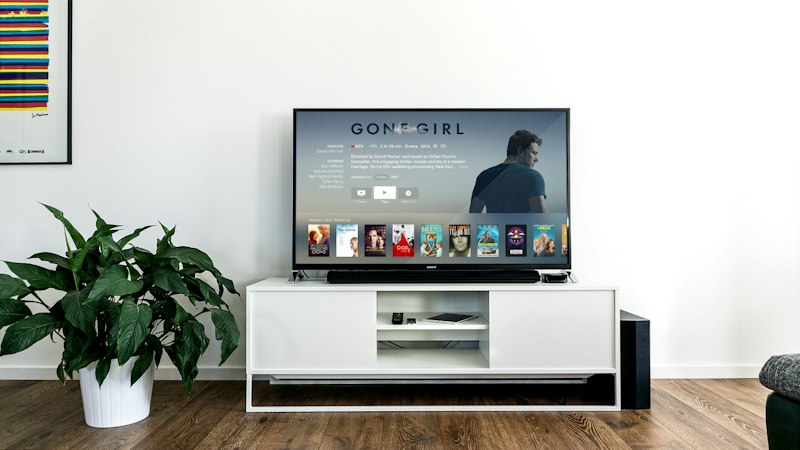
Marinios IPTV is a great starting point if you are new to IPTV — this guide covers everything you need to know.
IPTV has been around for years, but for many people it still feels unfamiliar. This guide is for anyone starting from scratch — what IPTV is, why people use it, what you need, and how to get going without wading through technical documentation.
Ready to try it?
Start with a free trial — no payment needed. Test the channels and your device before committing to anything.
Request a free trial →What IPTV is (and isn't)
IPTV stands for Internet Protocol Television — which is a technical way of saying "television delivered over the internet." Instead of a cable from the wall or a satellite dish on the roof, your TV channels travel through the same broadband connection you use for everything else.
What IPTV is: a way to watch live TV channels — including sport, news, and international channels — through an app. What it isn't: a replacement for Netflix or Disney+. IPTV is primarily live television. Many services include a film and series library too, but the core product is live channels.
What you need
Three things:
- A device. A Smart TV, Fire Stick, Android TV box, iPhone, Android phone, iPad, or computer. If you're reading this, you almost certainly already own something that works.
- A player app. This is the app that displays your channels, TV guide, and movies. The most popular options are TiviMate (Android/Fire Stick), IPTV Smarters (all platforms), and GSE Smart IPTV (iOS). All are free to install.
- A subscription. Your provider gives you a server URL, a username, and a password. You enter these into the player app and it loads your channels.
How the setup works
Once you have your credentials:
- Install your player app.
- Open it and choose Add Playlist → Xtream Codes API.
- Enter your URL, username, and password.
- The app loads your channel list and TV guide automatically.
That's it. Most first-time setups are done in under fifteen minutes. We have step-by-step guides for every major device in our setup guide section.
What the experience is like day to day
Once set up, IPTV feels like normal TV. You scroll a channel guide, pick something, it plays. Sports channels show live events. News channels run around the clock. The TV guide shows what's on and what's coming up. The only real difference from cable is that the signal comes through your router instead of a cable outlet.
What to check before you pay
Don't pay for a plan before testing it. Request a free trial first:
- Confirm the channels you actually watch are included.
- Test it during a busy evening (not a quiet afternoon).
- Try it on each device you plan to use.
If it works well on your own setup, the plans page has the options.