troubleshooting
IPTV Black Screen or 'No Signal'? Here's How to Fix It
A black screen or 'no signal' message is frustrating but usually fixable quickly. Here are the most common causes and how to clear them in order.
Marinios IPTV streams are stable, but a black screen or no signal can still happen. Here is how to fix it quickly.
You open a channel and get a black screen or "no signal" message. Everything else seems fine. Here's how to diagnose and fix it quickly — starting with the easiest checks.
Still black after all of this?
Contact support — we can check whether the specific channel is down on the server side and escalate it. Channels occasionally have maintenance windows that clear within an hour.
Contact support →Fix 1: Restart the player app
Close the app completely (don't just press back — force-close it) and reopen it. Player apps can accumulate stale connections over long sessions. A fresh start resolves this more often than you'd think, and it costs ten seconds.
Fix 2: Switch the decoder
This is the most common fix for black screens on IPTV. In your player's settings, find the decoder or player engine option and switch between Hardware and Software decoding. Some streams render fine in one mode and show a black screen in the other.
- TiviMate: Settings → Player → Decoder
- IPTV Smarters: Settings → Player Settings → Decoder type
- GSE Smart IPTV: Settings → Player → Use Software Decoder
Fix 3: Try a different player app
If switching the decoder doesn't help, try loading the same channel in a different player. If it works there, the issue is the original player's compatibility with that stream format — use the working player for that channel.
Fix 4: Check the channel on another device
Open the same channel on your phone or a different TV. If it works on another device, the problem is specific to your first device — check its decoder settings or reinstall the app. If it's black on every device, the stream itself may be temporarily down.
Fix 5: Restart your network
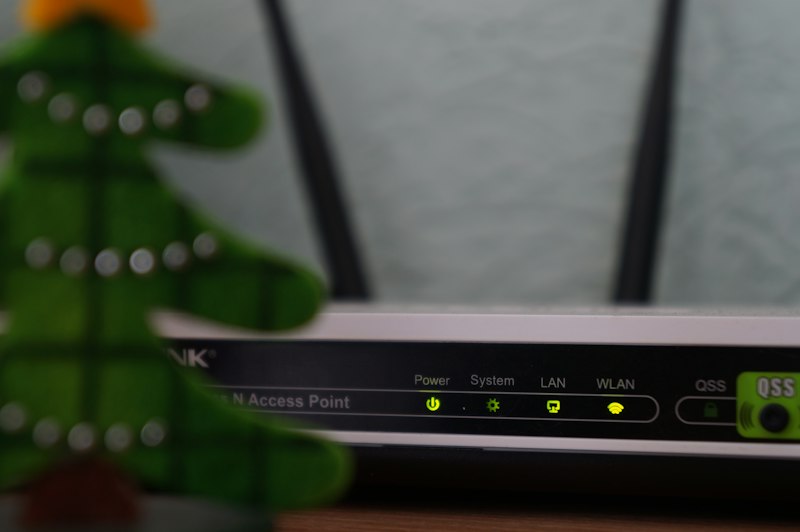
If several channels show black screens simultaneously, your router may have dropped the connection. Power-cycle the router (off, wait 30 seconds, on) and try again. This particularly affects buffering and playback issues that appear suddenly across multiple channels.